

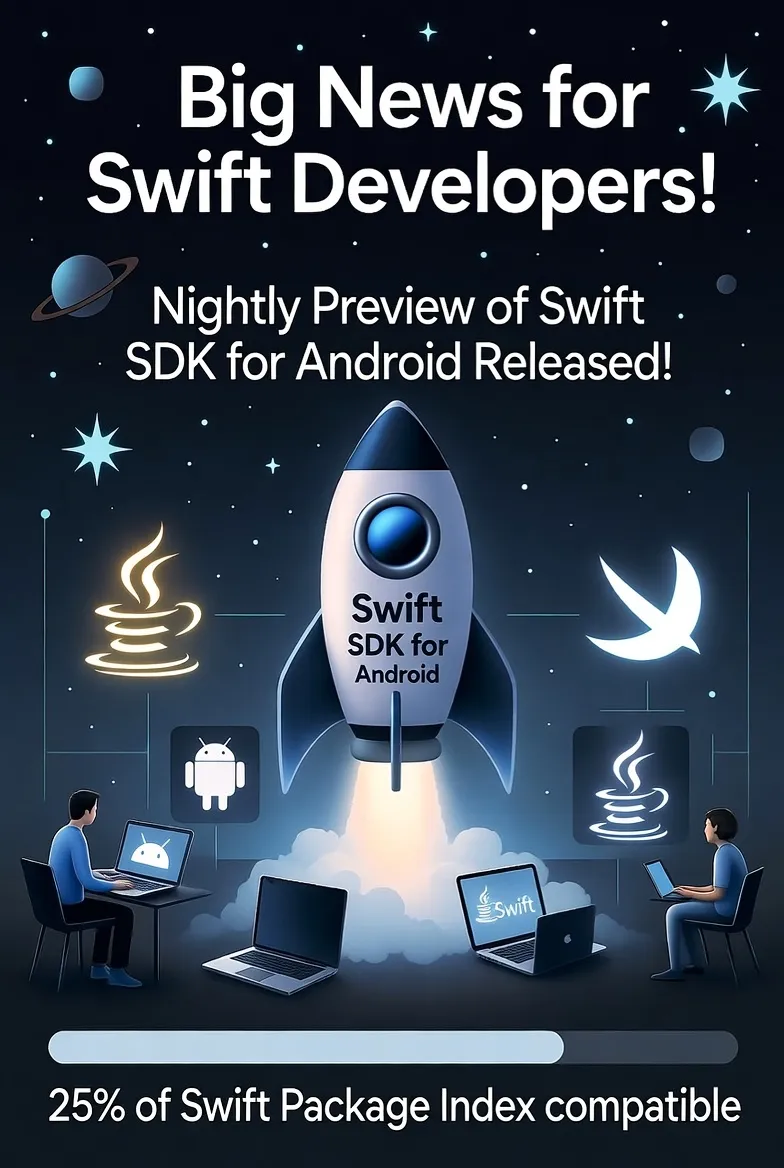
Breaking news: Yesterday, Swift.org released the first nightly preview of the official Swift SDK for Android.
This isn't a side project. This isn't a community hack. This is the real deal — straight from the Swift Android Working Group, four months in the making.
If you've been following Swift's evolution, you knew this moment was coming. But now? It's actually here.
Why this matters
Swift was built inside Apple's walls — fast, safe, ridiculously expressive. For years, it lived there exclusively.
Now it's breaking out.
What that means for you:
- Write once, deploy twice: Share your business logic across iOS and Android
- Native Swift on 3 billion devices: Android is the world's largest mobile platform, now accessible in the language you love
- A real alternative to Flutter and React Native — except it's actually Swift
- The clearest signal yet: Swift's future extends far beyond Apple
This isn't just technical progress. It's a fundamental shift in what it means to be a Swift developer.
What's actually available right now
- Nightly preview releases of the Swift SDK for Android (available today)
- Bundled with the Windows installer, or as standalone downloads for macOS/Linux
- Android targets now supported directly in the official Swift toolchain
- Full integration with the Android NDK for cross-compilation
- Official CI pipeline and public project board tracking progress
- Complete getting started guides and working example projects
- Java-Swift interoperability through the swift-java project
This is production-grade infrastructure. Not a proof-of-concept. Not a third-party port. It's the foundation.
The ecosystem is ready: Over 27% of Swift Package Index packages already build for Android — that's nearly 2,500 packages you can use today. The community was building toward this moment long before the official SDK dropped.
🛠️ So... how do you actually build with it?
Let's cut through the noise. You have three real options, each suited for different needs.
Option 1: Official SDK (The Foundation Layer)
This is cross-compilation from the command line. You write Swift on macOS or Linux, compile it for Android, and deploy.
What you need: - The nightly Swift SDK for Android - Android NDK (Native Development Kit) - A toolchain manager (Swift recommends swiftly) - Android device or emulator with ADB
The actual workflow:
# Install the toolchain manager
curl -L https://swift-server.github.io/swiftly/swiftly-install.sh | bash

# Install a matching Swift snapshot
swiftly install main-snapshot-2025-10-16

# Install the Android SDK bundle
swift sdk install https://download.swift.org/.../swift-android-sdk.tar.gz

# Create your package
swift package init --type executable

# Cross-compile for Android
swift build --swift-sdk aarch64-unknown-linux-android28

# Push to device and run
adb push .build/aarch64-unknown-linux-android28/debug/YourApp /data/local/tmp/
adb shell /data/local/tmp/YourApp
Real talk: This is bare-bones. You're not building full Android apps with UIs here — you're writing command-line tools, shared libraries, or business logic that runs on both platforms. But if you need to share algorithms, networking code, or data models between iOS and Android? This works today, and it's official.
Best for: Shared libraries, business logic layers, developers comfortable with terminal workflows, teams building SDK-style packages
Option 2: Skip.tools (The Full-Stack Solution)
Skip is an Xcode plugin that transpiles your Swift/SwiftUI code into Kotlin/Jetpack Compose in real-time. You stay in Xcode. You write SwiftUI. Skip handles everything else.
What you need: - Xcode (macOS only) - Skip plugin (via Homebrew) - Android device or emulator for testing
The actual workflow:
# Install Skip
brew install skiptools/skip/skip

# Create a dual-platform app
skip init --appid=com.yourcompany.app YourApp

# Open in Xcode
open YourApp/Package.swift

# Write SwiftUI as you normally would
# Hit ⌘R to build for iOS
# Use Skip's build system for Android
Every time you save in Xcode, Skip generates the equivalent Kotlin/Compose code. You get native Android apps with native performance and native UI components — no compromises.
Real talk: This isn't a webview wrapper or a cross-platform framework that "looks native." It is native. SwiftUI on iOS becomes Jetpack Compose on Android. Same source code, genuinely native apps on both platforms.
Skip was developed by Marc Prud'hommeaux and Abe White , who previously built Stanza (one of the first iOS e-readers, acquired by Amazon) and led development of the Kindle app for iOS and Android. Skip launched v1.0 in August 2024 and is already being used in production apps. It's mature, actively maintained, and backed by a growing community.
Best for: Indie developers, teams building dual-platform apps from scratch, anyone who loves SwiftUI and wants to reach Android without learning Kotlin
Option 3: Android Studio Integration (The Explorer's Path)
Third-party tools like SCADE or custom setups with Swift Stream let you integrate Swift Package Manager directly into Android Studio. You can write Swift alongside Kotlin/Java and work natively in the Android ecosystem.
What you need: - Android Studio - Docker (for Swift Stream setups) - Custom toolchains or community SDKs - Patience and a willingness to experiment
The actual workflow: Varies depending on the tool. Swift Stream uses Docker containers with pre-configured environments. SCADE has its own custom toolchain and IDE integration. The documentation is scattered, and you'll need to piece things together.
Real talk: This is bleeding edge. The tooling is rough, the setup is non-trivial, and you'll spend time debugging. But if you're already deep in the Android ecosystem and want to experiment with Swift, or if you need heavy Java/Kotlin interop, this path exists.
Best for: Android developers curious about Swift, teams with complex Java/Kotlin integration requirements, tinkerers who enjoy solving novel problems
Which one should you actually use?
Here's the honest breakdown:
- Building an app with UI? → Skip.tools. It's the most complete solution for full-stack dual-platform apps.
- Sharing code between iOS and Android (models, networking, algorithms)? → Official SDK. Perfect for libraries and business logic.
- Already working in Android Studio and want to experiment? → Try the third-party integrations, but expect rough edges and limited documentation.
🚧 What's still missing (let's be honest)
The gaps you should know about:
- SwiftUI on Android via official SDK? Not happening. Apple's keeping that exclusive to their platforms. But Skip bridges this by transpiling SwiftUI to Jetpack Compose.
- Mature tooling: Debugging, profiling, IDE integration — it's all early days. Expect friction.
- Ecosystem maturity: Library support, established patterns, community packages — these take time.
- Production stability: These are nightly previews, not stable releases. Use accordingly.
But here's the thing: every platform starts somewhere. The fact that you can build real Android apps in Swift today — whether through the official SDK or tools like Skip — is what matters.
📅 How we got here
- June 2025: Swift Android Working Group officially announced
- October 24, 2025: First official SDK preview released (yesterday!)
- What's next: Vision document under community review, contributions accelerating
This has been building for months — and really, years of grassroots community work before that.
Why I'm genuinely excited
This announcement fundamentally changes what "Swift developer" means.
You're not just "an iOS dev" anymore. You're a developer who uses Swift — and that language can now reach users on any platform.
For teams: Imagine unifying your business logic. One language, one set of models, one source of truth. iOS and Android apps that share everything except the UI layer (or with Skip, even share that).
For indie developers: You just unlocked 70% of the global smartphone market without switching languages or learning Kotlin from scratch.
For the curious: A massive new playground just opened. Go build something weird. Break things. See what's possible when Swift isn't confined to Apple's ecosystem anymore.
Dive deeper
Official Resources: - Swift.org SDK announcement - Getting Started Guide - Swift Package Index (check Android compatibility)
Tools & Frameworks:
- Skip.tools — Build native iOS + Android apps from Xcode
- swift-java project — Official Java-Swift interop
Community Insights:
Your turn
Is this the beginning of true cross-platform Swift — or are we still years away from that reality?
Would you build an Android app in Swift today? Would you go with Skip to stay in Xcode, or use the official SDK for shared logic?
I'm genuinely curious where this goes. Drop your thoughts.
Swift in Practice is where we learn, build, and break things together — one release, one experiment, one insight at a time. From iOS to Android, we’re exploring how far Swift can go — and we’re just getting started.
☕ Enjoying Swift in Practice? It's free and reader-supported. If an edition saved you some debugging time, you can buy me a coffee: https://buymeacoffee.com/swiftinpractice
Originally published as a Swift in Practice edition on LinkedIn. Comments and discussion happen there.